5 Ways Affiliates Can Use Google Search Console to Improve Performance
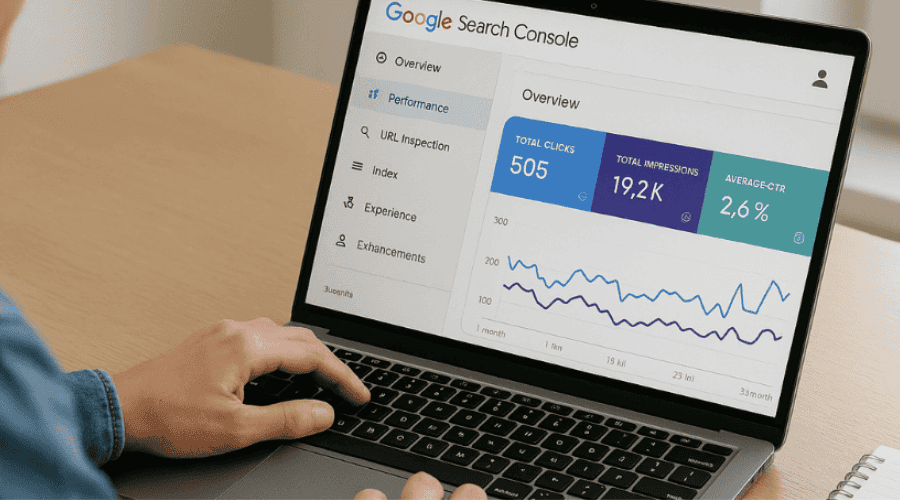
With organic search becoming increasingly competitive and AI-driven search results reshaping how users find content, affiliates can’t afford to fly blind when it comes to their SEO performance. Google Search Console (GSC) remains one of the most powerful – and free – tools available for understanding exactly how your content performs in search results. Yet surprisingly few affiliates take full advantage of what it offers.
Whether you’re running a niche review site, a comparison platform, or content-driven affiliate operation, GSC provides actionable data that can directly impact your bottom line. Here are five practical ways to use it effectively.
1. Identify High-Impression, Low-Click Content Opportunities
The Performance Report in Search Console is where the real insights live. Navigate to Performance > Search Results and enable all four metrics: clicks, impressions, CTR, and average position.
What you’re looking for: pages that generate substantial impressions but have a click-through rate below what you’d expect for their ranking position. A page ranking in positions 4-10 with thousands of impressions but only a 1-2% CTR is a clear signal that something’s off with your search snippet.
The fix usually comes down to your title tag and meta description. Ask yourself whether your title clearly communicates value, includes the primary keyword naturally, and differentiates your content from competitors on the same results page. For affiliate content specifically, titles that promise specific outcomes – like savings, comparisons, or insider knowledge – tend to perform better than generic alternatives.
This approach aligns with the broader shift in SEO that we’ve covered extensively. As outlined in our SEO for beginners guide, keywords and content relevance remain foundational, but how your listing appears in search results determines whether that visibility converts to actual traffic.
2. Discover Untapped Query Opportunities
The Queries tab within Performance reveals the actual search terms bringing impressions to your site—including many you probably never intentionally targeted. This is gold for affiliates.
Filter by pages you want to analyse, then sort queries by impressions. You’ll often find long-tail variations and question-based queries that your content is ranking for tangentially but could dominate with minor optimisation. If GSC shows you’re getting 500 impressions for a query like “best [product] for [specific use case]” but your page doesn’t directly address that use case, you’ve found content worth updating.
For affiliates operating in competitive spaces, these insights are particularly valuable. The iGaming sector, for instance, has seen significant shifts in what queries drive real traffic. Our analysis of the new SEO reality facing iGaming affiliates highlights how targeting specific questions and underserved audiences now outperforms chasing high-volume head terms.
Use the Regex filter option to group related queries – searching for queries containing “vs” or “compare” can reveal comparison intent you might be missing, while “best” or “top” queries signal buying intent worth prioritising.
3. Monitor Mobile Usability and Core Web Vitals
Google’s mobile-first indexing means your site’s mobile experience directly impacts rankings. The Mobile Usability report in Search Console flags specific pages with issues like text too small to read, clickable elements too close together, or content wider than the screen.
More critically, the Core Web Vitals report shows how your pages perform against Google’s user experience benchmarks. Three metrics matter here: Largest Contentful Paint (loading speed), Interaction to Next Paint (responsiveness), and Cumulative Layout Shift (visual stability). Pages failing these metrics get flagged, and you can see the specific URLs needing attention.
For affiliate sites, poor mobile performance is particularly costly. Product comparison tables, affiliate link buttons, and promotional banners are common culprits for layout shift issues. Heavy tracking scripts from affiliate networks can tank loading times. Use the Page Experience report to identify which pages need work, then cross-reference with your highest-traffic or highest-converting pages to prioritise fixes.
This connects directly to what we’ve documented about Google’s algorithm evolution. As covered in our piece on adapting to the August 2024 Core Update, Google increasingly rewards sites that provide a seamless user experience – fast load times, mobile optimisation, and easy navigation all contribute to better engagement and lower bounce rates.
4. Track Indexing Status and Fix Coverage Issues
The Index Coverage report reveals how many of your pages Google has actually indexed and why others haven’t made the cut. For affiliates running larger sites with thousands of product or comparison pages, this data is essential.
Check the “Excluded” tab carefully. You’ll find pages excluded for various reasons: “Crawled – currently not indexed” often signals thin content or quality issues. “Duplicate without user-selected canonical” suggests you have multiple similar pages competing against each other. “Blocked by robots.txt” might mean you’ve accidentally prevented important pages from being crawled.
The URL Inspection tool lets you check individual pages in detail. You can see when Google last crawled a page, whether it’s indexed, and request fresh indexing after making updates. For time-sensitive affiliate content – like deals pages or seasonal promotions – this accelerates getting updated content into search results.
Quality matters more than ever in this context. Google’s recent crackdown on mass-produced content has reshaped expectations significantly. Our coverage of Google’s spam crackdown and its impact on affiliate marketing explains why pages designed to rank without offering genuine value are increasingly being excluded from indexes entirely.
5. Use Comparative Data to Measure Content Performance Over Time
Search Console’s comparison feature is under-utilised but incredibly valuable for affiliates. In the Performance report, click the date range filter and select “Compare” to see how your metrics have changed between two periods.
This becomes particularly useful after algorithm updates or major content changes. Compare your performance from the current 28 days against the previous 28 days, or compare year-over-year to account for seasonality. Sort by “Difference” to identify which pages gained or lost the most clicks or impressions.
For affiliates managing diverse content portfolios, this helps identify patterns. Are your comparison posts outperforming single-product reviews? Did a recent update to Google’s algorithm hit your “best of” lists harder than your how-to guides? The data answers these questions without guesswork.
Set up Search Console alerts for significant traffic drops – when a page loses 20% or more of its traffic, investigate immediately. The issue could be technical, competitive, or related to content freshness. Often, adding a new section addressing recent developments can restore rankings.
This data-driven approach is fundamental to sustainable affiliate success. As explored in our guide to data-driven strategies in affiliate marketing, understanding where your traffic comes from and which content types perform best enables informed decisions about where to allocate resources.
Bonus: Integrate GSC with Your Broader Strategy
Search Console works best when combined with other tools. Connect it to Google Analytics 4 for full-funnel analysis – linking keyword rankings and search behaviour with on-site engagement and conversions. This is essential for understanding which queries actually drive revenue, not just traffic.
Tools like Semrush and Ahrefs can augment GSC data with competitive intelligence and keyword difficulty scores. Our look at how successful affiliates use Semrush shows how combining multiple data sources creates a more complete picture of your competitive position.
And while GSC remains essential, it’s worth remembering that search is just one traffic channel. With AI Overviews now appearing in over 35% of US desktop searches and zero-click results on the rise, diversification matters. Our analysis of why affiliates need alternative traffic channels provides a roadmap for building traffic sources beyond Google.
Making It Work
Google Search Console won’t transform your affiliate business overnight, but consistent attention to its data will compound over time. The affiliates who thrive in today’s search environment aren’t necessarily those with the biggest budgets or most aggressive link-building campaigns – they’re the ones who understand their performance data deeply and act on it systematically.
Set aside time each week to review your GSC reports. Look for patterns in what’s working. Identify content worth updating. Fix technical issues before they compound. The data is there – the question is whether you’re using it.
For those looking to deepen their SEO knowledge further, our comprehensive guide to combating Google algorithm updates provides additional tactical advice for building resilient affiliate sites in an era of constant change.
KonverJ’ agency team has been fully certified with Webgains, a leading UK affiliate network, strengthening its knowledge of the network,…
Read More
Affiliate Does More Than Win the Last Click Last week we attended Awin ThinkTank UK 2026. It was an interesting…
Read More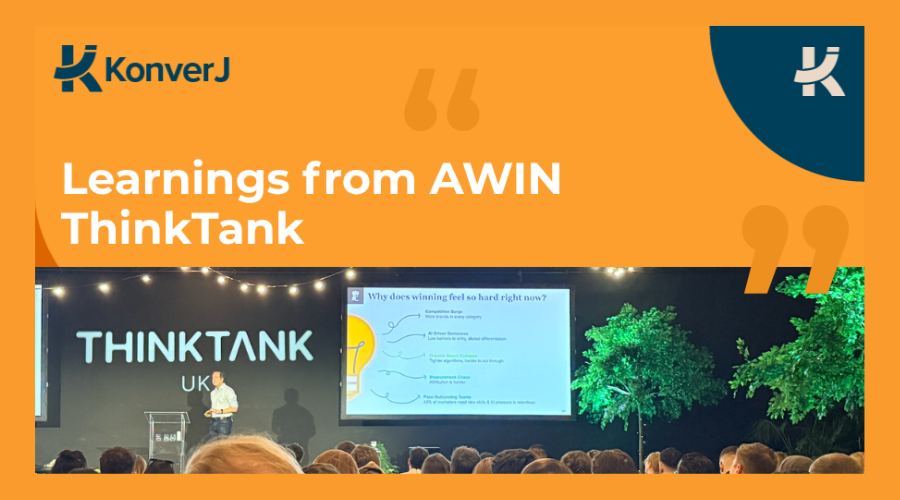
KonverJ leadership strengthens industry support as CEO Lee-Ann Johnstone joins the Performance Marketing Association’s new B2B Council. KonverJ is proud…
Read More